Cosmo Dot

SKU: CD41

$199.00

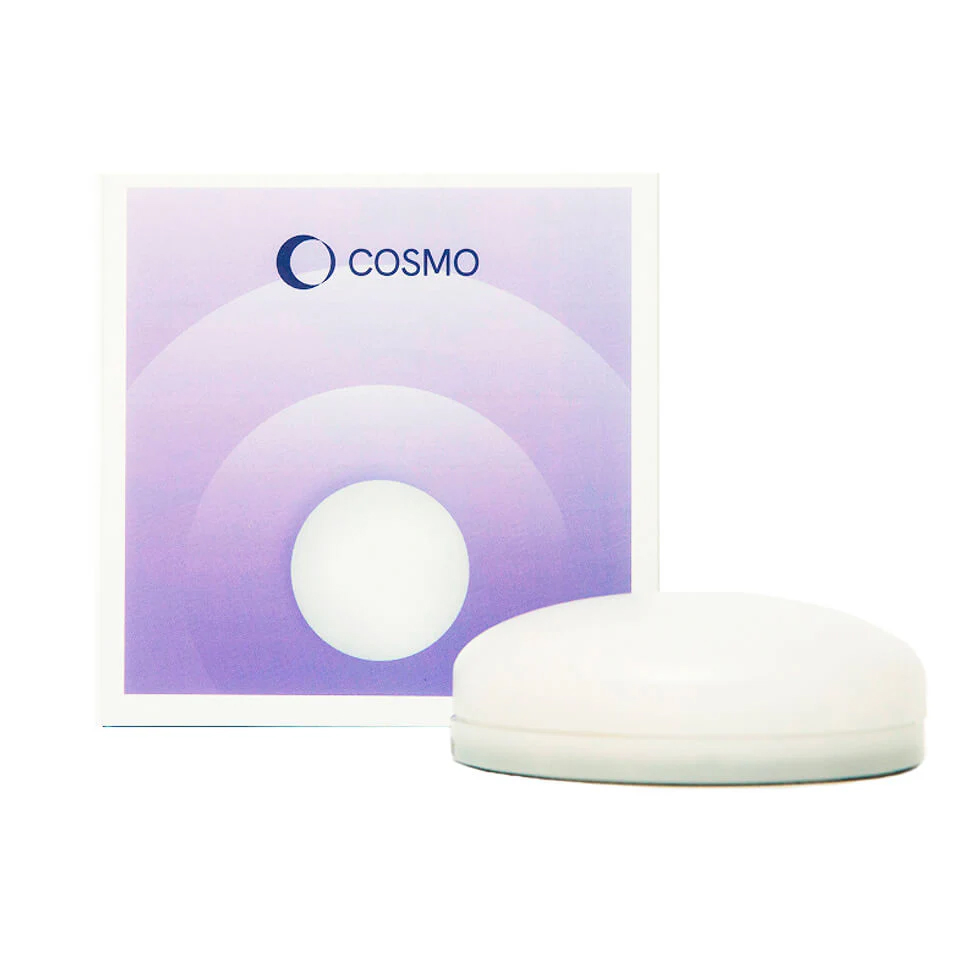
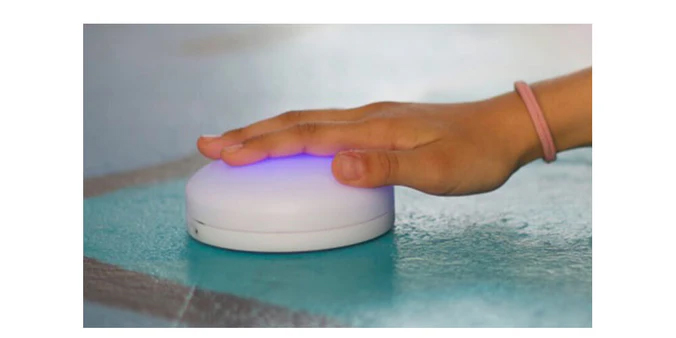
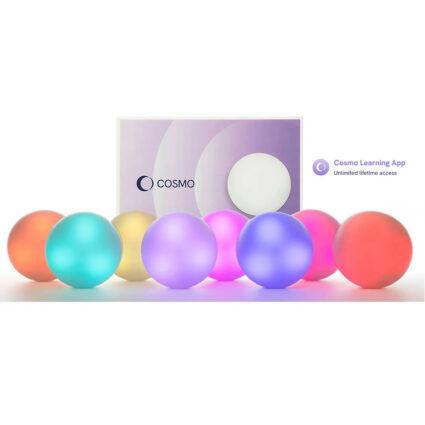
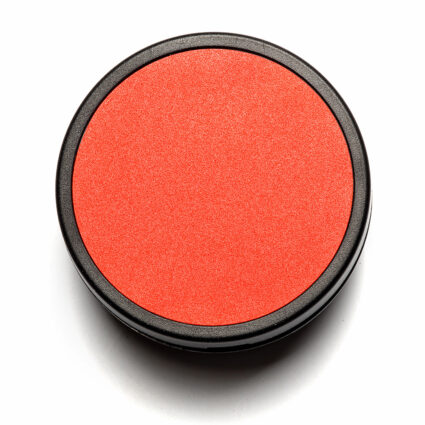
Cosmo Dot is a Bluetooth-enabled, multi-sensory controller with a touch-responsive surface that lights up in different colors with every press.

Request Quote
BACK TO CATEGORY
SKU: CD41 Categories: ,

Description

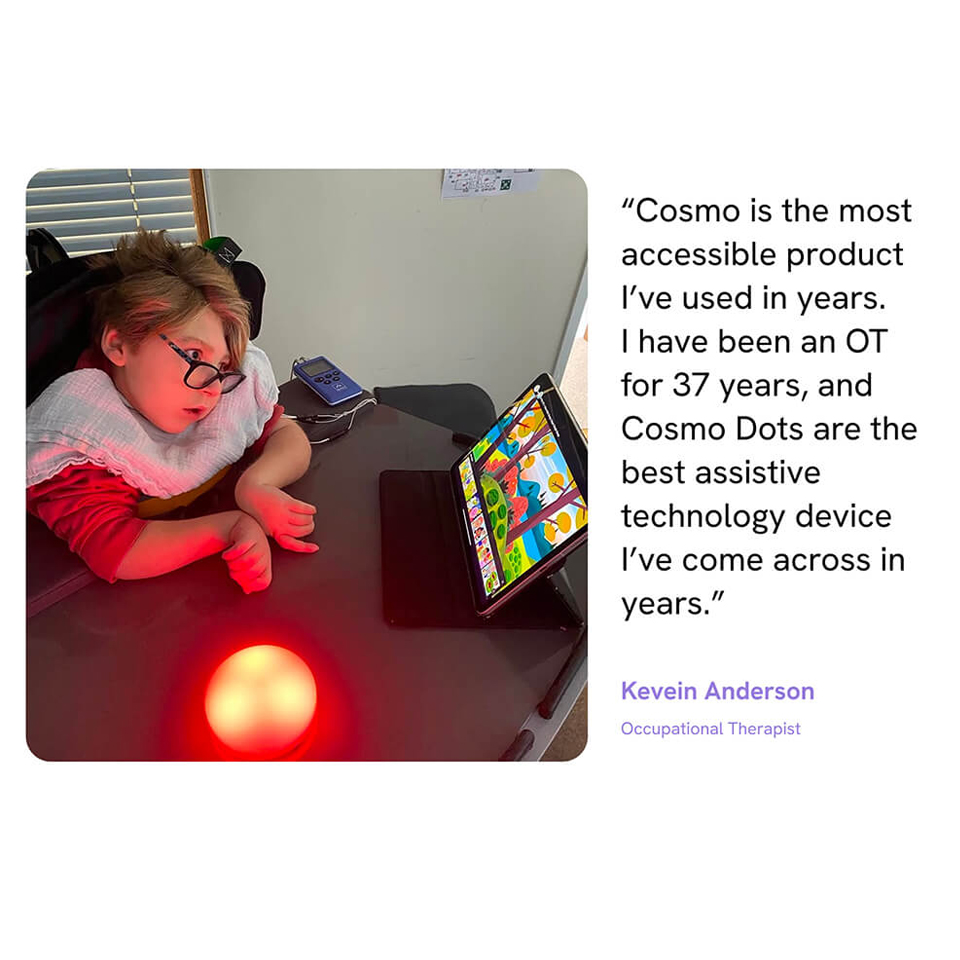
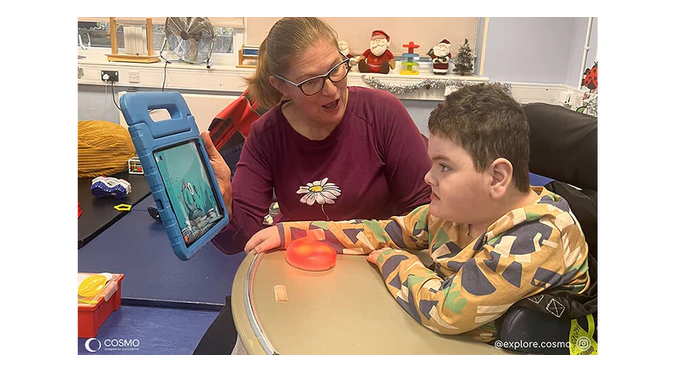
Cosmo Dot is a Bluetooth-enabled, multi-sensory controller with a touch-responsive surface that lights up in different colors with every press. Each activation gives clear visual and sensory feedback, helping learners understand cause and effect and stay engaged. It has been designed specifically with SEND learners in mind, so it supports a wide range of motor abilities and access needs, while still feeling playful and inviting.


How to Use the Cosmo Dot

You can use the Cosmo Dot in two ways. Use it on its own as a standalone accessibility switch for simple, motivating access to devices and apps, or combine several Cosmo Dots within the Cosmo Learning System App to gain access to evidence-based activities that support cognitive, motor, social and emotional skills.


Multi-Sensory, Motivating Feedback

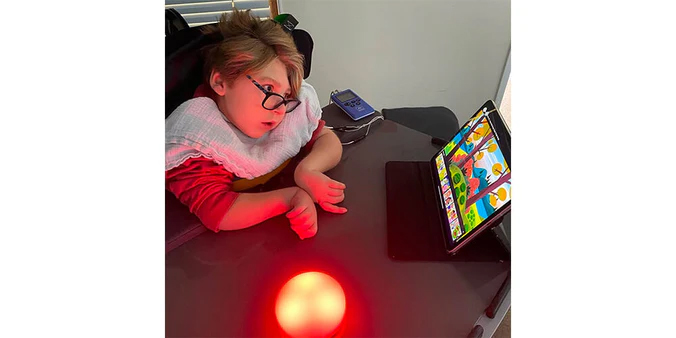
Cosmo Dot is designed to be instantly rewarding. The touch-responsive surface lights up in rich, changing colors with every activation, giving clear visual and sensory feedback. That feedback helps learners understand cause and effect, stay focused for longer and feel in control.

It can be used successfully by learners with a wide range of movement abilities and cognitive needs. It’s highly responsive and can be adjusted in sensitivity, making it suitable for lighter touches through to more deliberate presses.


Switch access made simple

Cosmo Dot works as a wireless accessibility switch for tablets, phones and computers, so learners can take part in all kinds of activities, including switch-accessible cause and effect games to more advanced learning and communication tools.

Pair it via Bluetooth and use Cosmo Dot to:

  • Control switch-accessible games and apps.
  • Access learning software on iOS, OS X, Chromebooks, Windows and Android devices.
  • Start, stop and navigate simple games and media players.

Once it is set up, learners just press Cosmo Dot to interact, making access feel straightforward and predictable.


Built for AAC and Communication

Cosmo Dot is an excellent option for learners who use Augmentative and Alternative Communication (AAC) or are just beginning to explore it. It can be used for scanning, selecting and simple choice making inside many popular AAC apps and software tools.

You can use Cosmo Dot to:

  • Support switch scanning within AAC grids.
  • Offer clear yes / no or two-choice setups.
  • Give learners a consistent, motivating way to make their own selections.

The combination of gentle lighting, adjustable sensitivity and robust design makes it a reassuring choice for both learners and the adults supporting them. access feel straightforward and predictable.


Compatibility You Can Rely On

Cosmo Dot is designed to fit neatly into existing setups and routines.

  • Connects to most Bluetooth  tablets, computers and phones, smart boards, smart TVs, and switch-accessible online games, such as HelpKidzLearn.
  • Works alongside other Cosmo Dots in the same room.
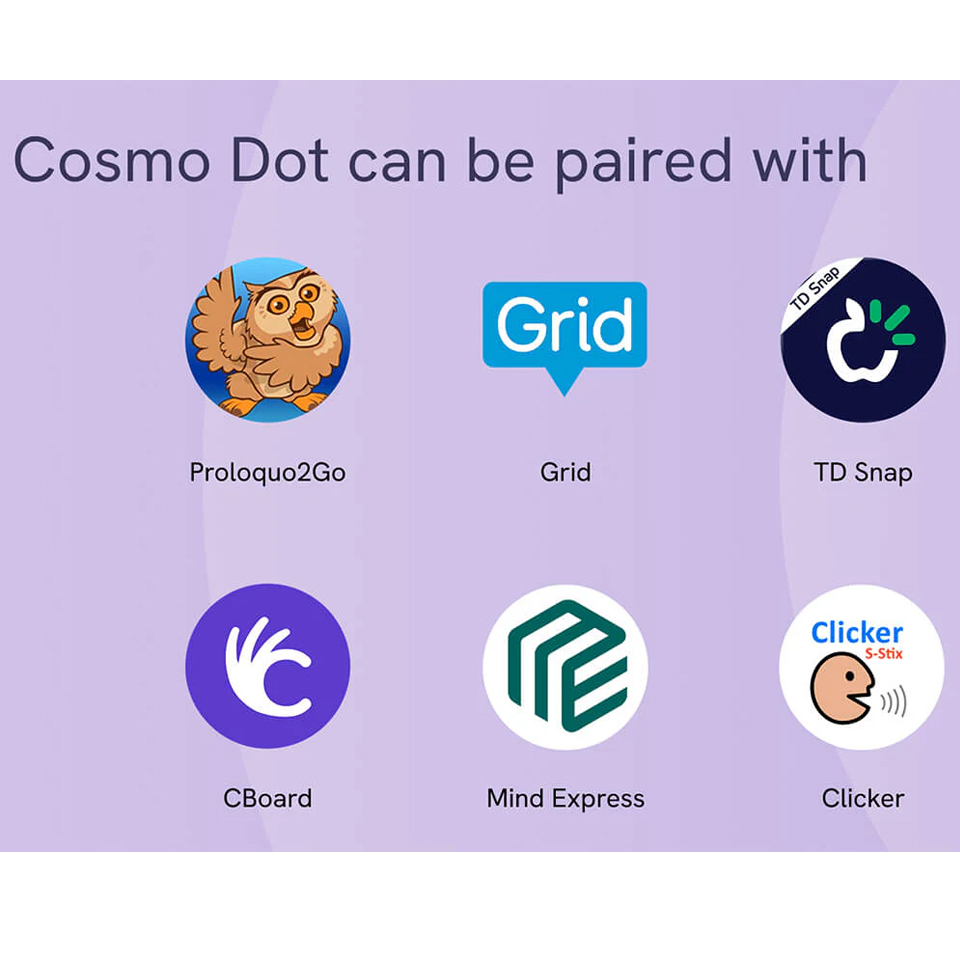
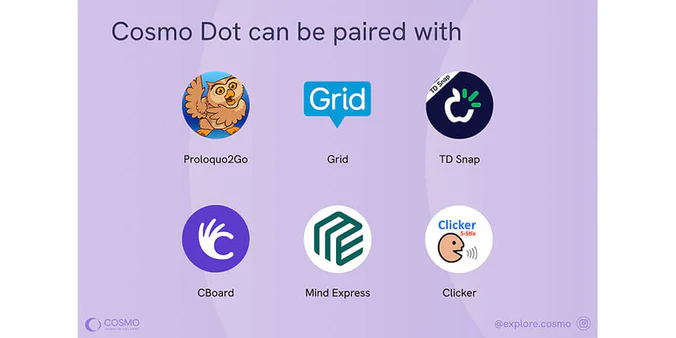
  • Ideal for use with AAC software such as Proloquo2Go, Grid, CBoard, Clicker, Widgit Online, TD Snap, MindExpress and more.
  • Works with creative apps such as GarageBand and ThumbJam.

Easy to Mount, Position and Clean

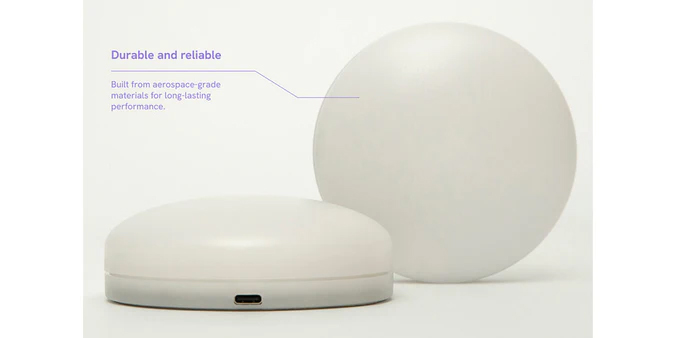
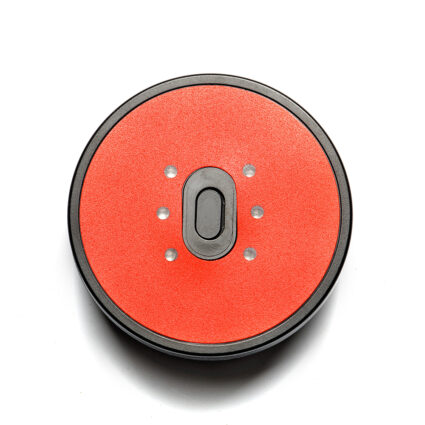
Cosmo Dot has been designed with real-world education and therapy settings in mind. It includes threaded mounting holes on the base, compatible with the REHAdapt Rectangular Mounting Plate. This can then be attached to REHAdapt mounting arms.

Alternatively, the clamp, arm and mounting plate can be purchased together in our REHAdapt Mounting Bundle.

The smooth surface is also quick to wipe down between sessions, helping you stay on top of hygiene.


Smart, Sturdy and Ready for Busy Days

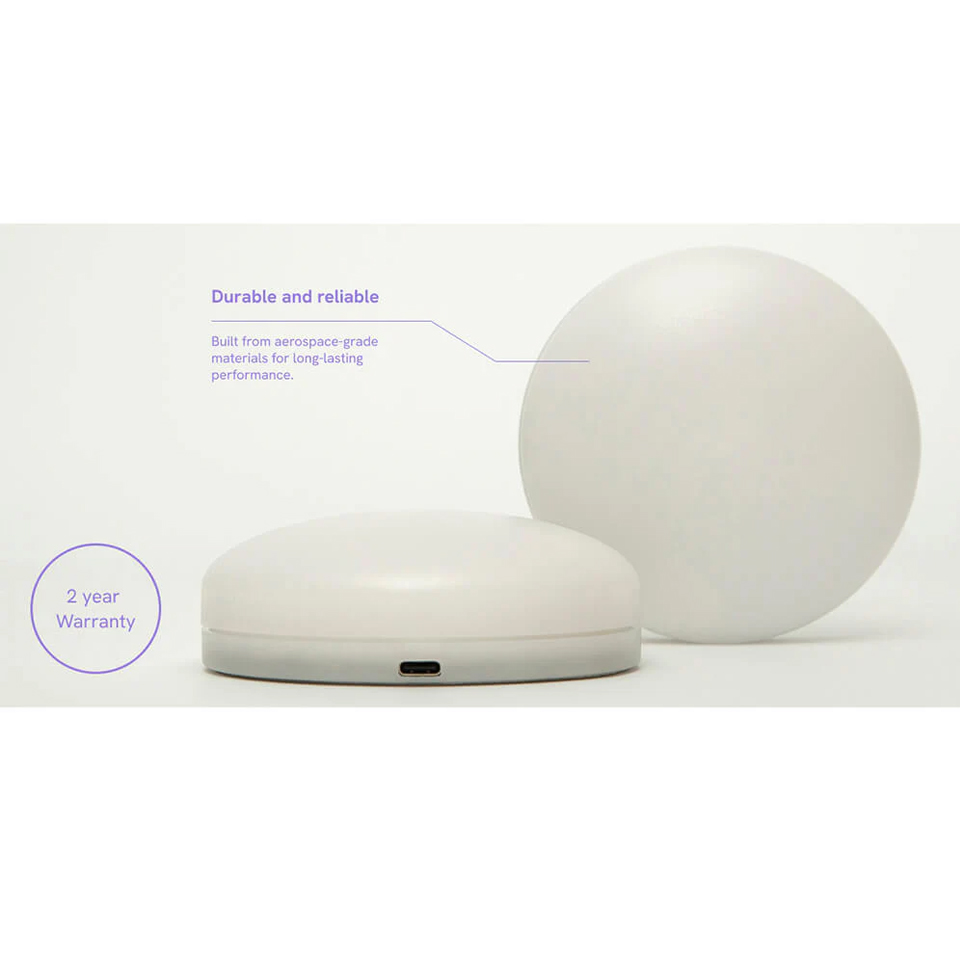
Cosmo Dot is built to cope with daily use in schools, therapy services and homes. It has a fast, stable Bluetooth 4 connection, a rechargeable battery with extended life and a tough outer shell that stands up to regular use. It is simple to set up and quick to re-configure, so you can move between learners or activities without losing time.


Cosmo Dot App

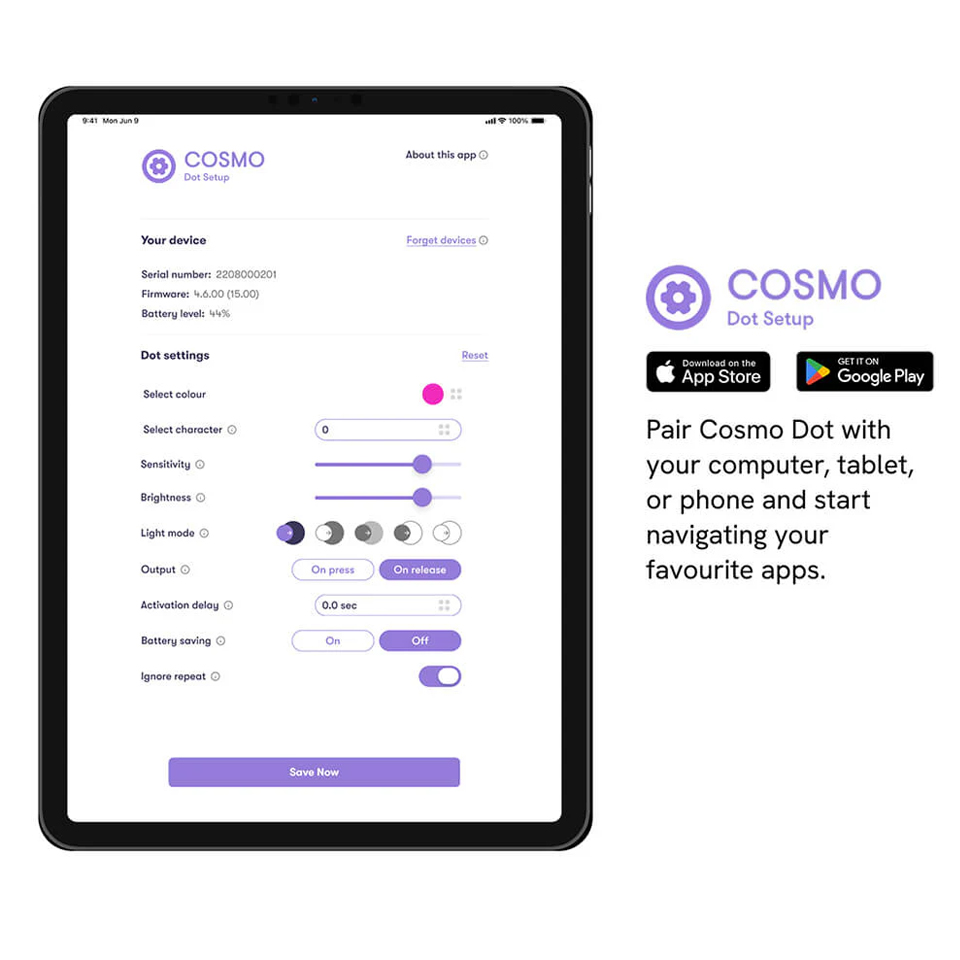
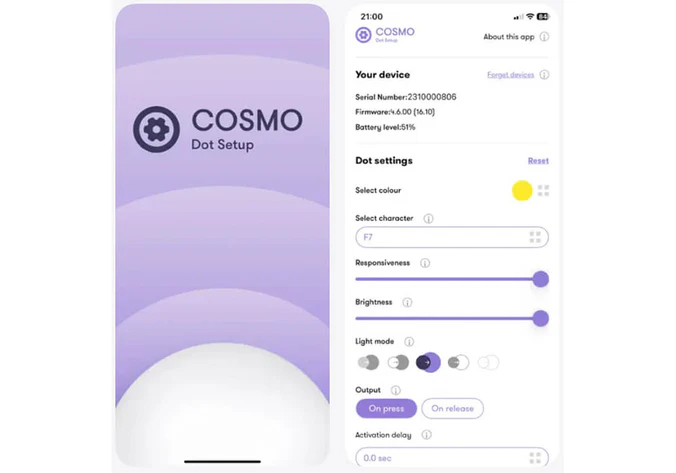
Use the free Cosmo Dot App to set your preferences for your Cosmo Dot.

You can use it to:

  • Adjust touch sensitivity and activation settings by selecting between ~50 and ~120 grams.
  • Choose colors and light effects.
  • Map Cosmo Dot to different keypresses or functions.
  • Save and update your settings as your learner’s needs change.

Set it up once, and Cosmo Dot is ready to use across your preferred apps, software and devices. You can revisit the app at any time to fine-tune settings for different learners.

Download on the App Store

Get it on Google Play


What’s Included

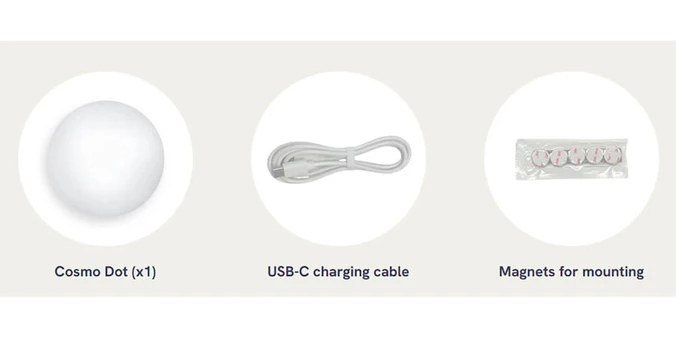
1 x Cosmo Dot – multi-sensory, Bluetooth-enabled accessibility controller.

Access to the Cosmo Dot App (iPad and iPhone) for settings and key mapping. Also available on Android devices.

USB-C charging cable.

Magnets for mounting.

2 year warranty.

Supporting Documents

TOP